Which MacBook Air Should You Buy in 2026? M1 to M5, Honestly Compared
Sep 6, 2026 · AppleBitcoin
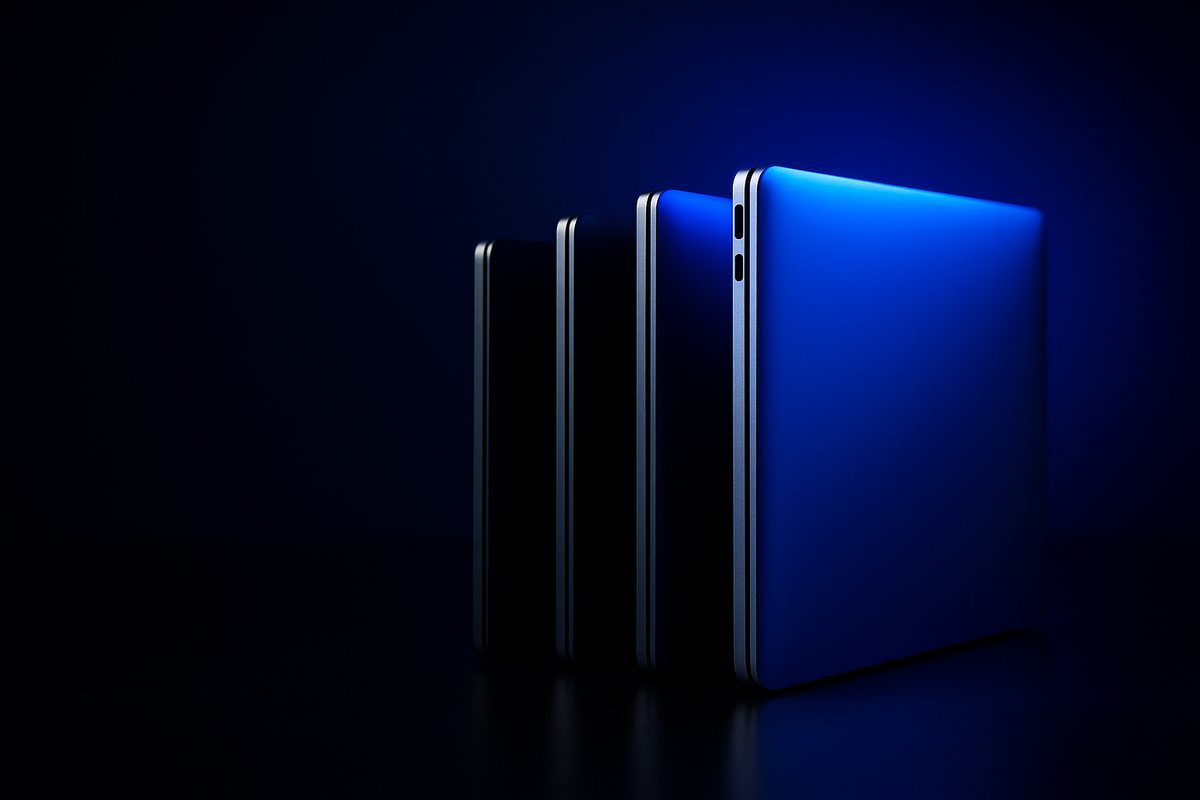
Apple sells exactly one MacBook Air today. Open the buy page and you get the M5, in 13 or 15 inches, and nothing else. Every other decision — M4, M3, M2, M1 — happens on the used and refurbished market, where prices move and nobody hands you a spec sheet.
That is a more interesting question than it looks, because the generations do not improve smoothly. One of them shipped a slower SSD than the model it replaced. One dropped in price. One went back up. And the differences people assume are big turn out to be small, while a couple of genuinely important changes get almost no attention.
Every generation, side by side
| Gen | Released | Screen | Base memory | Base storage | Nits | MagSafe | Launch price 13" |
|---|---|---|---|---|---|---|---|
| M1 | Nov 2020 | 13.3" | 8GB | 256GB | 400 | No | $999 |
| M2 | Jul 2022 | 13.6" / 15.3" | 8GB | 256GB | 500 | Yes | $1,199 |
| M3 | Mar 2024 | 13.6" / 15.3" | 8GB | 256GB | 500 | Yes | $1,099 |
| M4 | Mar 2025 | 13.6" / 15.3" | 16GB | 256GB | 500 | Yes | $999 |
| M5 | Mar 2026 | 13.6" / 15.3" | 16GB | 512GB | 500 | Yes | $1,099 |
Notice the price line. Apple cut the Air to $999 with the M4, then put it back to $1,099 with the M5. The M4 was the cheapest the Air has been since the M1, which is part of why it is the interesting one to hunt for used.
What actually changed each time
M1 → M2: the redesign
This is the biggest visual jump. The tapered wedge became a flat slab. The screen grew from 13.3" to 13.6" and got brighter, 400 to 500 nits. The webcam went 720p to 1080p and gained a notch. MagSafe came back, which matters more than it sounds — it means charging without spending one of your two ports.
It also introduced the one genuine regression in the whole line, which we will come to.
M2 → M3: quieter than it looks
Hardware-accelerated ray tracing arrived, Wi-Fi went 6 to 6E, and the price came down $100. The M3 also added a second external display — but only with the lid shut. That clamshell requirement is the detail people miss when comparing an M3 to an M4.
The M3 also fixed the M2's SSD problem.
M3 → M4: the one that matters most
Base memory doubled from 8GB to 16GB across every configuration. That single change did more for the Air's useful lifespan than any chip upgrade in the line, and it is why an M4 is a materially better used buy than an M3 at a similar price.
Alongside it: a 12MP Center Stage camera, ports formally certified as Thunderbolt 4, and two external displays with the lid open. Apple's own wording was "support for up to two external displays in addition to the built-in display" — no more clamshell compromise. And the price dropped to $999.
M4 → M5: storage, not speed
Base storage doubled to 512GB, with a maximum of 4TB for the first time. Wi-Fi 7 and Bluetooth 6 arrived via Apple's own N1 wireless chip. Memory bandwidth went from 120GB/s to 153GB/s.
Base memory did not move — still 16GB, still 32GB maximum. If you were waiting for the Air to offer more memory, it did not happen this generation.
The 256GB M2 problem, with numbers
This is the single most useful thing to know if you are shopping used.
For the base 256GB M2 Air, Apple switched from two 128GB flash chips to one 256GB chip. Storage gets much of its speed from reading and writing across chips in parallel, so halving the chip count halved the parallelism. Independent testing found the base M2 was roughly 34.7% slower on writes and 48.4% slower on reads than the base M1 it replaced — a new model, measurably slower at storage than the old one.
Apple reversed it for the M3, putting two chips back. Testing then showed the base M3 hitting around 2,108MB/s writes — roughly 33% faster writes and up to 82% faster reads than the base M2.
So: avoid the 256GB M2 specifically. The 512GB and larger M2 configurations use two chips and are unaffected. This is a single-SKU problem, not a reason to write off the M2 entirely.
Benchmarks, and why they matter less than you think
| Chip | Geekbench 6 multi-core | Gain over previous |
|---|---|---|
| M1 | 8,342 | — |
| M2 | 9,709 | +16% |
| M3 | 12,020 | +24% |
| M4 | 14,731 | +23% |
| M5 | 17,073 | +16% |
The M5 is roughly twice the M1 in multi-core. Across five years and five generations, that is real but not dramatic — and for the work most Air owners do, largely invisible. Web browsing, documents, email and video calls have not been CPU-bound on any of these machines.
What separates them in practice is memory, storage speed and thermals, which is why the M4's jump to 16GB base is a bigger deal than any of these percentages.
The fanless catch
No MacBook Air has a fan. In short bursts this costs nothing — opening apps, compiling something small, a quick export all run at full speed while the aluminium body absorbs the heat.
Sustained load is different. The M2 Air was measured losing around 20–25% of multi-core performance under sustained workloads compared to the actively cooled M2 MacBook Pro running the same chip. The M3 Air was reported hitting CPU temperatures up to 114°C and running roughly 33% slower than the fan-equipped M3 Pro under load.
If you do long video exports, big renders or lengthy compiles, no Air generation solves this — you want a MacBook Pro with a fan. If your work is bursty, the fanless design costs you nothing and gives you silence.
13-inch or 15-inch
One correction first: the 15-inch Air arrived in June 2023 with the M2, not the M3. It is easy to assume the bigger model started later than it did.
The important thing is what the extra size does and does not buy:
- Same silicon. Every generation's 15" uses the identical chip as the 13" top configuration. Same cores, same bandwidth. Apple has never cut the chip down for the larger body.
- More battery. 66.5Wh against 52.6–53.8Wh — though Apple claims the same "up to 18 hours" for both.
- Better speakers. Six-speaker system with force-cancelling woofers, versus four.
- More weight. 3.3lb against 2.7lb.
- $100–200 more, depending on generation.
The 15-inch tax buys screen, sound and battery. It does not buy speed.
Buying used: what to check
Good news first — macOS Tahoe supports every Apple silicon MacBook Air ever made, M1 included. Nothing in this lineup has been dropped from the current OS. A five-year-old M1 still runs what a new M5 runs.
Before you hand over money:
- Battery health. System Settings → General → About → System Report → Power. Read Cycle Count and Maximum Capacity. Below about 80% capacity means a battery near the end of its useful life.
- The exact model. About This Mac gives you the chip but not always the tier. Check the serial against Apple's model identification tool.
- Storage size, specifically on M2. If it is a 256GB M2, walk away or pay accordingly.
- Activation Lock. Confirm it is cleared before paying, not after.
So which one
| If you | Buy | Because |
|---|---|---|
| Want new, with warranty | M5 | It is the only new Air. 512GB base and Wi-Fi 7 are the real gains, not CPU speed. |
| Want the best value | M4 | 16GB base memory, Thunderbolt 4, dual displays lid-open, and it launched at $999. The sweet spot. |
| Are on a tight budget | M3 | Fixed SSD, ray tracing, Wi-Fi 6E. Better than an M2 whenever the gap is small. |
| Want the cheapest workable Mac | M1 | Still on the current macOS, still fine for browsing and documents. Just accept 8GB. |
| Do sustained heavy work | Not an Air | Every generation throttles without a fan. Get a Pro. |
The one to avoid at any price that is not exceptional: the base 256GB M2.
We stock MacBook Airs across generations alongside the current MacBook line, and you can pay in Bitcoin, Ethereum or stablecoins with free insured shipping. If you are weighing an Air against a Pro, our Air versus Pro comparison covers that decision, and how much memory and storage you actually need goes deeper on configuration.
Frequently asked questions
Which MacBook Air does Apple sell new in 2026?
Only the M5, in 13-inch and 15-inch, both starting at 16GB of unified memory and 512GB of storage, at $1,099 and $1,299. Apple discontinued the M4 in March 2026 when the M5 launched, having discontinued the M2 and M3 together in March 2025 and the M1 in March 2024. Every other generation is now used or refurbished only.
Is the 256GB MacBook Air M2 really slower?
Yes, and it is well documented. Apple used a single 256GB flash chip instead of two 128GB chips in that specific configuration, which cut the parallelism storage relies on. Independent benchmarks found roughly 34.7% slower writes and 48.4% slower reads than the base M1 it replaced. Apple reverted to two chips for the M3. Only the base 256GB M2 is affected — 512GB and larger M2 models are fine.
Which MacBook Air is the best value used?
The M4. It was the first Air with 16GB of unified memory as standard, which matters far more for longevity than chip speed, and it added Thunderbolt 4, a 12MP Center Stage camera and support for two external displays with the lid open. It also launched at $999, the lowest Air price since the M1, so used prices start from a lower base.
Does the 15-inch MacBook Air perform better than the 13-inch?
No. Every generation's 15-inch model uses the identical chip as the 13-inch top configuration — same CPU cores, same GPU cores, same memory bandwidth. The larger model gets a bigger battery at 66.5Wh versus 52.6-53.8Wh, a six-speaker system instead of four, and weighs 3.3lb against 2.7lb. You are paying for screen, sound and battery, not speed.
Will an older MacBook Air still get macOS updates?
Every Apple silicon MacBook Air, including the M1 from 2020, is supported by macOS Tahoe. None has been dropped. Only pre-2020 Intel MacBook Airs are excluded, and those were never Apple silicon. A used M1 or M2 will run the same current operating system as a new M5.
Does the MacBook Air throttle because it has no fan?
Under sustained load, yes. The M2 Air was measured losing roughly 20-25% of multi-core performance in sustained workloads versus the actively cooled M2 MacBook Pro, and the M3 Air was reported running about 33% slower than the M3 Pro under extended load. For bursty work — browsing, documents, coding, light editing — it makes no practical difference and you get a silent machine.
Ready to buy Apple with crypto?
Genuine, sealed Apple products. Pay in Bitcoin, Ethereum or stablecoins.
Shop now