Can You Mine Bitcoin on a Mac? (Mac mini, MacBook, Mac Studio) — 2026
Jul 19, 2026 · AppleBitcoin
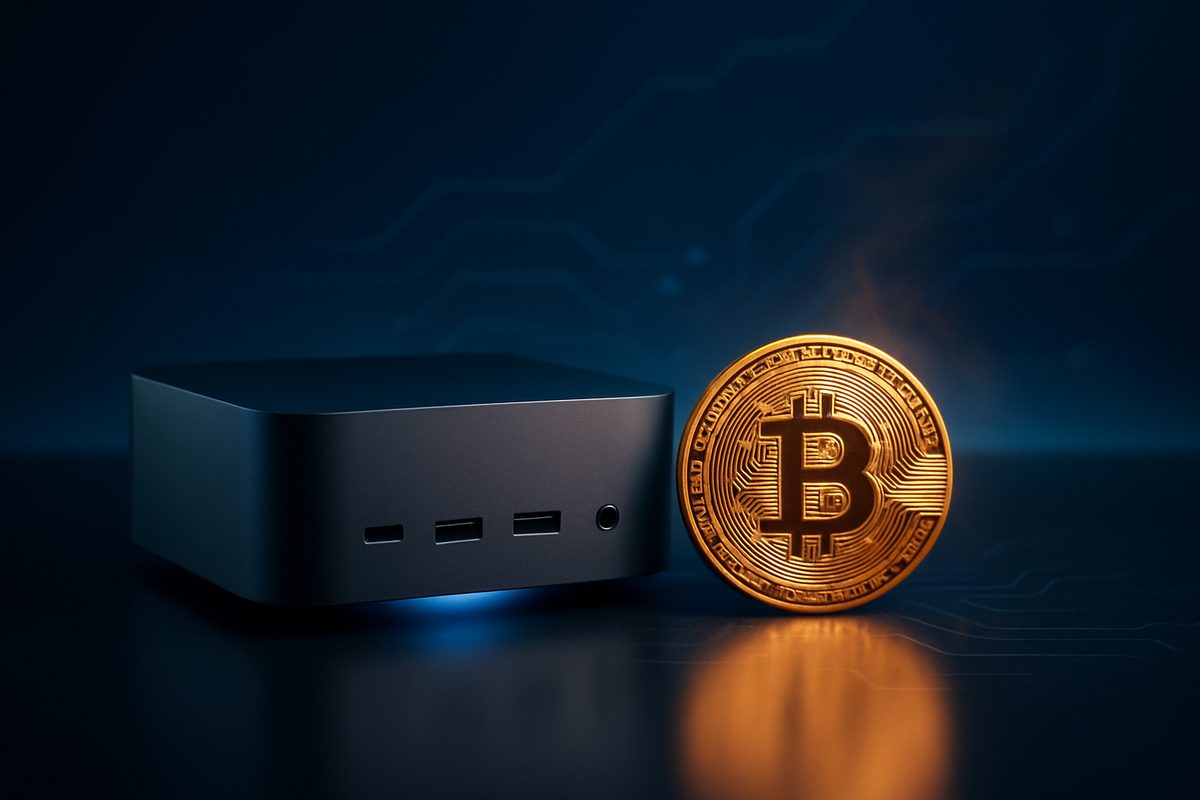
You can technically run mining software on any modern Mac — Apple Silicon builds of the popular miners exist, and the machine will happily churn away. But mining Bitcoin on a Mac is pointless: Bitcoin's proof-of-work is now the exclusive turf of purpose-built ASICs that out-hash a Mac by roughly a hundred-million to a billion times, so a Mac's realistic Bitcoin output rounds to zero while it burns electricity and wears itself out. The honest 2026 answer is that a Mac mini is a fantastic little computer — and even a genuinely good Bitcoin node — but it is not a Bitcoin miner. Here's the real math, and the crypto job a Mac is perfect for.
Can you mine Bitcoin on a Mac?
| Approach | Realistic result on a Mac | Verdict |
|---|---|---|
| Mine Bitcoin (SHA-256) on CPU/GPU | Effectively 0 BTC — billions of times too slow vs an ASIC | ❌ Pointless |
| "Mine Ethereum" (old advice) | Impossible — Ethereum ended mining in 2022 | ⚠️ Obsolete |
| Mine Monero (RandomX, CPU-friendly) | ~2,300–7,100 H/s → roughly $0.10–$0.40/day gross, break-even at best | ⚠️ Hobby only |
| Join a Bitcoin pool with a Mac | Your share is so small you'd rarely hit a payout | ❌ Pointless |
| Run a Bitcoin + Lightning node on a Mac mini | Validates the chain, routes Lightning, sips ~3–7W idle | ✅ The genuinely useful job |
| Just buy the crypto instead | Instant exposure, zero power cost, zero wear | ✅ Better than mining |
Why Bitcoin mining on a Mac is a non-starter
Bitcoin mining is a brute-force race to compute SHA-256 hashes, and that race was won by ASICs — chips that do nothing but hash — years ago. A modern Bitmain Antminer S21 runs at 200 TH/s (the Pro and XP models hit 234–270+ TH/s). That's 200,000,000 MH/s from a single box. An Apple Silicon chip grinding SHA-256 in software manages, generously, a few MH/s — so one ASIC is on the order of tens of millions of times faster than your Mac, and the whole Bitcoin network is trillions of times faster.
The network numbers make it starker. Bitcoin's total hashrate sits around 900 EH/s in mid-2026 (it briefly crossed 1 ZH/s at its January 2026 peak), and mining difficulty is about 127 trillion (CoinWarz; live figures at mempool.space). Since the April 2024 halving the block reward is 3.125 BTC (The Block). A Mac's slice of that pie is so infinitesimal that its expected earnings are a fraction of a cent per year. This isn't "not very profitable" — it's effectively zero.
MakeUseOf put it plainly: mining Bitcoin with an M-series chip isn't viable "because Bitcoin mining is now only possible with ASIC miners" (MakeUseOf).
The old "MacBook mining" numbers were Ethereum — and that's gone
If you've seen articles claiming an M1 could mine at "5 MH/s," those were about Ethereum, not Bitcoin — and they're now obsolete. 9to5Mac actually tested an M1 Pro MacBook Pro mining Ethereum at "just over 5 MH/s" for about $12.82 a month back in 2021, a 17-year payback, concluding "nobody is going to be buying these as mining rigs" (9to5Mac). Ethereum then ended all mining at The Merge in September 2022, switching to proof-of-stake (Ethereum.org). So those earnings are now exactly $0.
What about Monero (the CPU-friendly coin)?
Monero's RandomX algorithm is deliberately CPU-friendly, so it's the one coin a Mac can meaningfully hash. Real XMRig benchmarks put Apple Silicon at roughly 2,300 H/s on an M1 up to about 7,100 H/s on an M3/M4 Max (XMRig benchmarks). That translates to somewhere around $0.10–$0.40 a day gross — and at the US average electricity price of roughly 18¢/kWh in 2026 (Choose Energy / EIA), you're at break-even to a small loss once you subtract power. It's a hobby, not income.
It's also just bad for the Mac
Pinning any Mac at 100% around the clock is exactly the thermal stress the machine is built to avoid. Sustained load triggers thermal throttling within minutes, and chronic heat accelerates wear on the battery, SSD and solder joints while the fans run flat-out gathering dust (9to5Mac). There's no "mining voids your warranty" clause — the real cost is a shortened lifespan plus a monthly power bill for near-zero output.
The crypto job a Mac mini is genuinely great at: a node
Here's the pivot. Running a Bitcoin full node — and even a Lightning node — is a real, worthwhile crypto use for a Mac, and it's the opposite of mining: instead of racing to burn energy, a node quietly validates and relays the blockchain, sipping power. Bitcoin Core runs natively on macOS; a full node wants ~700+ GB of SSD (or about 7 GB in pruned mode) and a couple of gigs of RAM (bitcoin.org). A Mac mini is close to ideal for this: it idles at only ~3–7W, runs near-silent, and software like Umbrel will spin up a full Bitcoin + Lightning node on it (Umbrel). That's an always-on machine strengthening the network and letting you verify your own transactions — no mining required.
And beyond crypto, Apple Silicon's unified memory makes a Mac a superb machine for development, video and photo work, and running local AI models — a 64GB Mac can load large language models that won't fit on a 24GB desktop GPU, silently and at low power.
Mine, or just buy?
For almost everyone the smarter move is simply to buy the crypto — no electricity bill, no thermal wear, immediate exposure. And if what you actually want is the Mac, you can buy one with crypto directly: the Mac mini (M4 Pro), Mac Studio and the rest of the Mac lineup are all available at AppleBitcoin for Bitcoin, Ethereum or stablecoins, genuine and sealed with the price locked at checkout. Put a Mac mini to work as a quiet always-on node instead of a doomed miner — see the how-to-buy guide to pay with crypto.
Frequently asked questions
Can you mine Bitcoin on a Mac?
Technically yes — mining software runs on Apple Silicon. Practically no: Bitcoin's SHA-256 work is done by ASICs that are tens of millions to a billion times faster than a Mac, so a Mac's real Bitcoin output is essentially zero while it draws power.
Is mining on a Mac mini profitable?
No. At around 18¢/kWh US electricity in 2026, a Mac mini running full-tilt spends a few dollars a month on power to produce effectively $0 of Bitcoin. Even CPU-friendly Monero only nets pennies a day.
Will mining damage my Mac?
It won't instantly break it, but running the chip at 100% 24/7 means constant heat, thermal throttling and non-stop fan wear, which ages the battery, SSD and internals faster — for no meaningful reward.
How much can an M4 or M5 Mac actually mine?
For Bitcoin, effectively nothing. For Monero, XMRig benchmarks put Apple Silicon at roughly 2,300 H/s (M1) up to ~7,100 H/s (M3/M4 Max) — about $0.10–$0.40 a day gross before electricity.
What crypto can you mine on a Mac?
Realistically only CPU-mineable coins like Monero (RandomX), and even then it barely breaks even at US power prices. Bitcoin and other ASIC- or GPU-dominated coins are non-starters on a Mac.
Can you run a Bitcoin node on a Mac mini?
Yes — and it's the genuinely useful crypto job for a Mac. Bitcoin Core runs on macOS; you need ~700 GB of SSD (or ~7 GB pruned). A Mac mini idles at ~3–7W, so it's a quiet, efficient always-on full node, and Umbrel can add Lightning too.
Is it better to mine or buy Bitcoin?
For nearly everyone, buy. Mining on a Mac loses money and wears out hardware, while buying gives you immediate exposure with no electricity cost or thermal stress.
Ready to buy Apple with crypto?
Genuine, sealed Apple products. Pay in Bitcoin, Ethereum or stablecoins.
Shop now