iPhone 17 eSIM vs Physical SIM: The 2026 Buyer's Guide
Jul 5, 2026 · AppleBitcoin
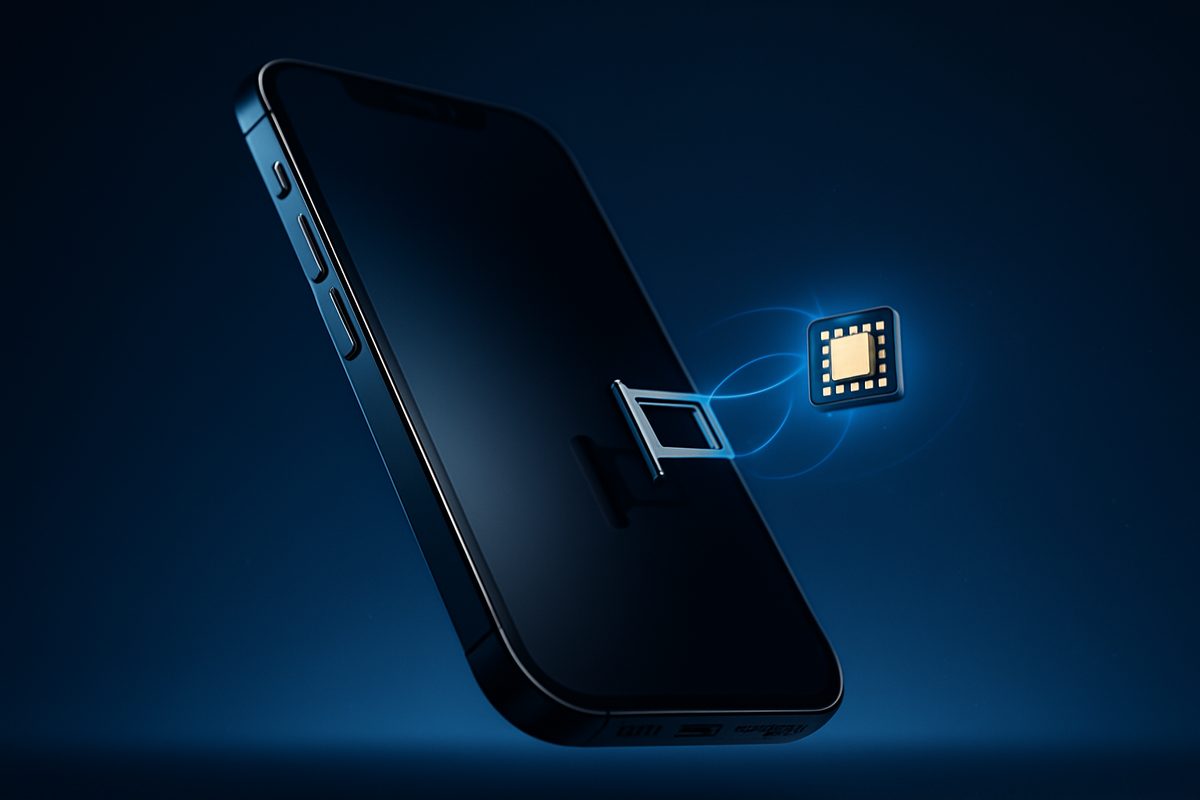
Whether your iPhone 17 has a physical SIM tray depends entirely on which model you buy and where it's sold. The ultra-thin iPhone Air is eSIM-only everywhere on Earth. The iPhone 17, 17 Pro, 17 Pro Max and 17e are eSIM-only in 12 countries — including the US, Canada, Japan and the Gulf states — but keep a nano-SIM tray plus eSIM across Europe, the UK, Australia, India and most of Asia. This guide breaks down exactly what you get by region, what eSIM actually means for daily use and travel, and how to decide which is right for you.
Is the iPhone 17 eSIM-only? The quick answer
It's not a simple yes or no — it comes down to model and market:
- iPhone Air: eSIM-only in every country, including mainland China. There is no SIM tray at all — the ~5.6mm chassis left no room for one.
- iPhone 17 / 17 Pro / 17 Pro Max / 17e: eSIM-only in 12 markets; physical nano-SIM tray plus eSIM everywhere else.
- Mainland China, Hong Kong, Macau: the flagship trio uses physical nano-SIM only (no eSIM) due to local regulation; only the 17e and Air support eSIM there.
Apple began removing the SIM tray with the iPhone 14 in 2022, but only in the United States. The iPhone 17 generation is the first to push eSIM-only into a dozen countries at once (MacRumors).
iPhone 17 SIM support by region
| Region | eSIM-only? | Physical SIM tray? |
|---|---|---|
| United States | Yes (since iPhone 14) | No |
| Canada, Mexico | Yes | No |
| Japan | Yes | No |
| UAE, Saudi Arabia, Qatar, Kuwait, Bahrain, Oman | Yes | No |
| Guam, US Virgin Islands | Yes | No |
| UK & Europe (EU) | No | Yes (nano-SIM + eSIM) |
| Australia, New Zealand | No | Yes (nano-SIM + eSIM) |
| India, Singapore, South Korea | No | Yes (nano-SIM + eSIM) |
| Mainland China / Hong Kong / Macau (17, 17 Pro, Pro Max) | No — nano-SIM only, no eSIM | Yes |
| iPhone Air (worldwide) | Yes — everywhere | No |
Source: Apple Support and MacRumors, Sept 9, 2025. The iPhone 17e, which launched March 2, 2026 from $599, is notable as the first "e" model to bring eSIM to mainland China.
What exactly is an eSIM?
An eSIM (embedded SIM) is a small chip soldered into the phone that stores your carrier profile digitally, so there's no plastic card to insert. You activate a line by scanning a QR code, tapping through your carrier's app, or letting the carrier provision it automatically when you set up the phone. Once it's on, it behaves exactly like a physical SIM — same signal, same number, same plan. The difference is that switching carriers or adding a travel line is a software step, not a trip to a store.
Can you use two SIMs on the iPhone 17?
Yes. Every iPhone 17 supports Dual SIM Dual Standby. The phones can store at least eight eSIMs and keep two active at the same time, so you can run a personal and a work number together, or a home line and a travel data plan (Apple Support). In regions that keep the tray, you can instead run one nano-SIM and one eSIM active simultaneously. Only mainland China's flagship models do it the old-fashioned way, with dual physical nano-SIMs.
The upsides of going eSIM
- Instant activation. You can set up a new line in minutes without waiting for a SIM to arrive in the post — useful the moment you unbox a new phone.
- Better for travel. Load a local data plan from Airalo, Holafly or Saily as a second eSIM, keep your home number as the primary line for calls and iMessage, and switch data to the travel plan. No swapping tiny cards, no risk of losing your home SIM (Airalo).
- Harder to steal your number. A thief can't pop an eSIM out of a stolen phone to defeat Find My or hijack your texts — the line can only be disabled from inside the phone's settings (MacRumors).
- A slightly bigger battery. On eSIM-only models Apple reused the freed-up tray space for a larger cell. GSMArena measured the eSIM iPhone 17 Pro at 4,252 mAh versus 3,998 mAh in the nano-SIM version — about 6% more — and recorded a modest real-world endurance gain (GSMArena, Nov 2025).
The trade-offs to know
- Moving to an old phone is harder. If you swap into an older handset that lacks eSIM, you can't just move a card over — you'll need a carrier transfer. Keep this in mind if you rely on a backup phone.
- eSIM doesn't stop SIM-swap fraud. The embedded chip protects against someone physically stealing your SIM, but not against a scammer socially engineering your carrier into moving your number to their device (SlashGear). Carrier-account security still matters.
- Some smaller carriers lag. All three major US carriers — AT&T, T-Mobile and Verizon — fully support eSIM on the iPhone 17, and most MVNOs do too, but a few regional or prepaid providers can be slower to offer it.
How to move your number to an eSIM
Setting up an eSIM on a new iPhone 17 is quick. The easiest path is eSIM Quick Transfer: on the new phone go to Settings > Cellular > Set Up Cellular > Transfer From Nearby iPhone, then confirm on your old iPhone — no call to the carrier needed if they support it (both phones on iOS 16 or later, same Apple ID). You can also do it during initial setup (Apple Support). With iOS 26, Apple even added the ability to transfer an eSIM from an Android phone to an iPhone, and to move more than one number during setup (Apple Support).
What this means when you buy an unlocked iPhone 17
Here's the part that matters if you're buying from a retailer rather than a carrier: an unlocked iPhone 17 works with any carrier that offers eSIM, and with any nano-SIM carrier in tray regions. There's no carrier lock dictating which eSIM you can install, so you're free to pick the best plan at home and drop in a travel eSIM abroad. Every iPhone 17 sold at AppleBitcoin ships unlocked and genuine, whether it's the iPhone 17 Pro or the 17 Pro Max — so you get the full freedom eSIM is designed to give you. New to crypto checkout? See the how-to-buy guide.
Frequently asked questions
Is the iPhone 17 eSIM-only?
Only in 12 countries — the US, Canada, Mexico, Japan, Guam, the US Virgin Islands and the six Gulf states. Everywhere else the iPhone 17, 17 Pro, 17 Pro Max and 17e keep a nano-SIM tray alongside eSIM. The iPhone Air is eSIM-only worldwide.
Does the iPhone 17 have a SIM tray in Europe or the UK?
Yes. In the UK, the EU and the rest of Europe, all iPhone 17, 17e, 17 Pro and 17 Pro Max units ship with a physical nano-SIM tray plus eSIM. The only exception is the iPhone Air, which is eSIM-only everywhere.
Can I use two SIMs on the iPhone 17?
Yes. The iPhone 17 supports Dual SIM Dual Standby — you can store at least eight eSIMs and have two active at once. In tray regions you can instead run one nano-SIM and one eSIM active at the same time.
How do I move my number to an eSIM on a new iPhone 17?
Use eSIM Quick Transfer: on the new iPhone open Settings, Cellular, Set Up Cellular, then Transfer From Nearby iPhone and confirm on the old phone. No carrier call is needed if your carrier supports it, and you can also do it during initial setup.
Can I use a travel eSIM on the iPhone 17?
Yes. Install a travel eSIM from a provider like Airalo, Holafly or Saily as a second line, keep your home number as primary for calls and iMessage, and assign mobile data to the travel plan. This works even on eSIM-only models because they support multiple eSIMs.
Does the iPhone 17 work with any carrier?
An unlocked iPhone 17 works with any carrier that supports eSIM, and with any nano-SIM carrier in tray regions. In the US, Verizon, AT&T and T-Mobile all support eSIM. Carrier-locked units are tied to that carrier until unlocked, which is why buying unlocked gives you the most freedom.
Why is the iPhone 17 eSIM-only in some countries but not others?
Two reasons: carrier readiness and local regulation. Markets like the US have a few eSIM-ready national carriers, making the switch easy, while Europe's fragmented carrier landscape isn't uniformly ready. Meanwhile China, Hong Kong and Macau restrict consumer eSIM, so those regions keep physical SIM.
Ready to buy Apple with crypto?
Genuine, sealed Apple products. Pay in Bitcoin, Ethereum or stablecoins.
Shop now